
stencil.as_component
as_component( *, layer: str | Sequence, stencil: Literal[ 'cross', 'focused_grating', 'grating', 'apodized_grating', 'apodized_focused_grating', 'linear_taper', 'mmi', 'ruler', 'vernier_scale', 'text', ], technology: photonforge.Technology | None = None, **stencil_kwargs: object,) -> photonforge.ComponentCreate a parametric component from a stencil.
Args
- layer: Layer to be used for the stencil. In the case of stencil functions that return multiple structure lists (like
vernier_scale), one layer per list is required. - stencil: Name of the stencil function.
- technology: Component technology. If
None, the default technology is used. - stencil_kwargs: Keyword arguments for the stencil function.
Returns
Parametric Component
Note
The text function can also be used in this function as a
stencil.
Examples
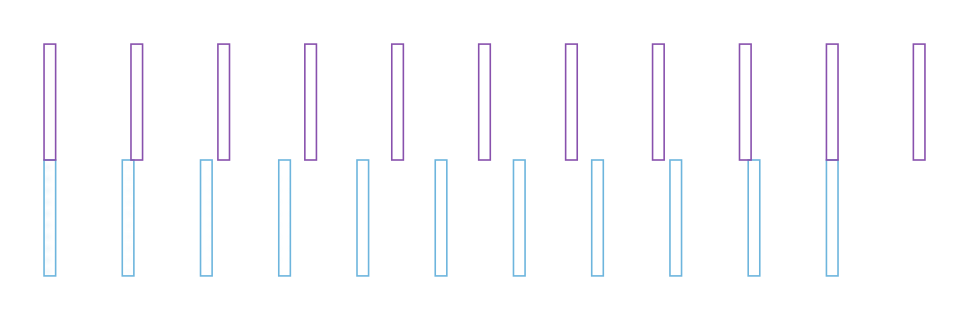
>>> pf.config.default_technology = pf.basic_technology()>>> grating_component = pf.stencil.as_component(... layer="SLAB",... stencil="grating",... period=0.6,... num_periods=20,... width=10,... taper_length=30,... taper_width=0.5,... )>>> scale_component = pf.stencil.as_component(... layer=("SLAB","WG_CORE"),... stencil="vernier_scale",... unit=15,... marker_length=20,... marker_width=2,... )